Published · 6 min read
Do QR Codes Expire?
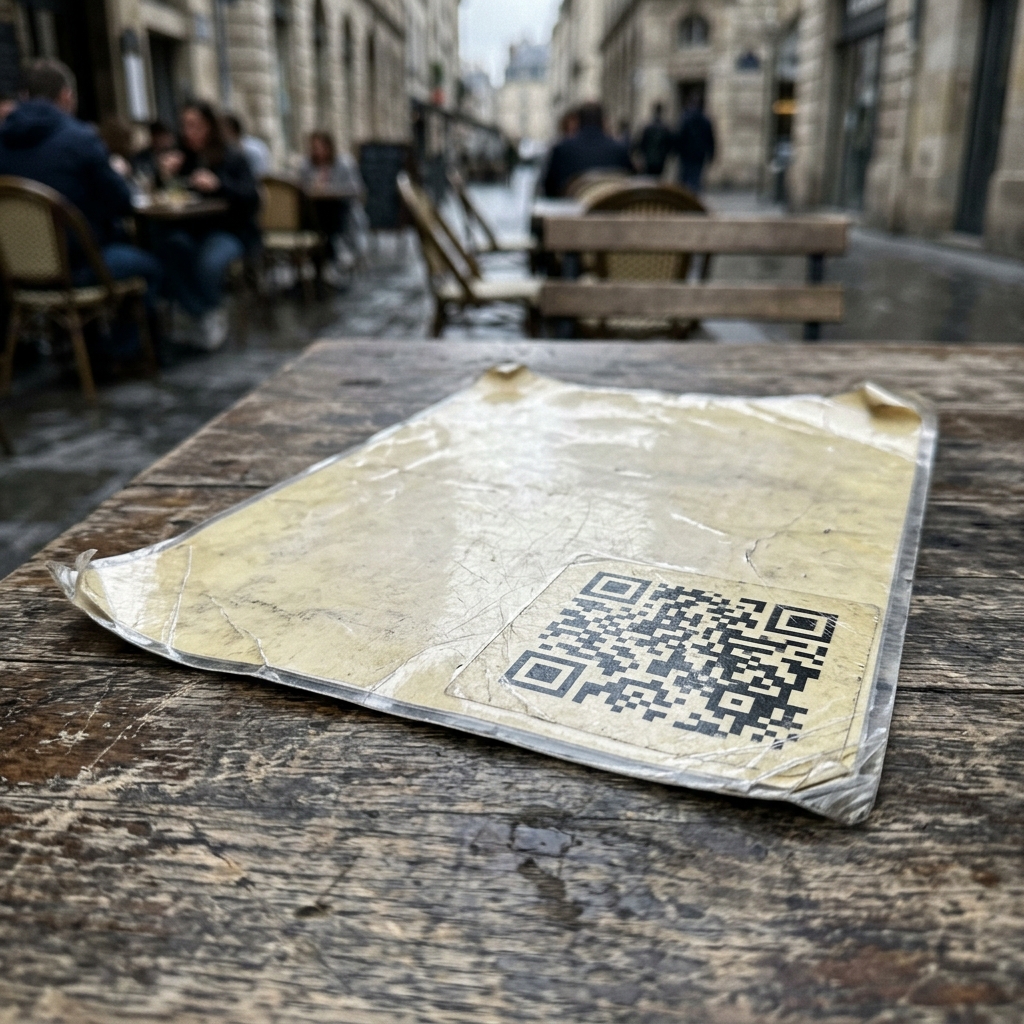
Short answer: the QR code itself never expires. The service behind it can, and usually that’s what people mean when they say their code “expired.”
A QR code is a grid of squares that stores text. Nothing in that grid is a timer. A code printed in 2011 scans the same way today, because the squares haven’t changed and neither has the standard that describes how to read them.
What breaks is everything around the code. And if you printed a thousand menus, that distinction is the difference between a working investment and a stack of paper with a dead square on it.
What’s actually inside a QR code
When you generate a code, some text is encoded into the pattern. That text is usually one of two things:
Your actual URL. restaurantname.com/menu is written into the squares. A phone reads the squares, reconstructs those characters, opens the page. This is a static code.
Somebody else’s short link. qr.provider.com/a7Bx9 is written into the squares instead. A phone reads it, requests that address, and the provider’s server replies with a redirect to your real page. This is a dynamic code.
Both look identical. Both are “QR codes.” But the second one has a dependency the first one doesn’t: a company, a server, and usually a billing relationship, sitting between your customer and your website.
That dependency is where expiry lives.
The three things that actually break
1. The redirect service (most common)
If your code contains a provider’s short link, your code works exactly as long as that provider chooses to answer the request. When a trial ends, a card declines, a plan is downgraded, or the company pivots, the redirect stops resolving. The squares are fine. They point at a door that’s been bricked up.
This is the failure people mean by “my QR code expired,” and it’s almost entirely a feature of dynamic codes made on free tiers.
2. The destination page
Static or dynamic, if yoursite.com/menu is deleted, renamed, or the domain lapses, the scan lands on a 404. The code did its job perfectly and delivered the visitor to nothing.
This one is on you — which is also why it’s the failure mode you can actually prevent.
3. The printed code itself
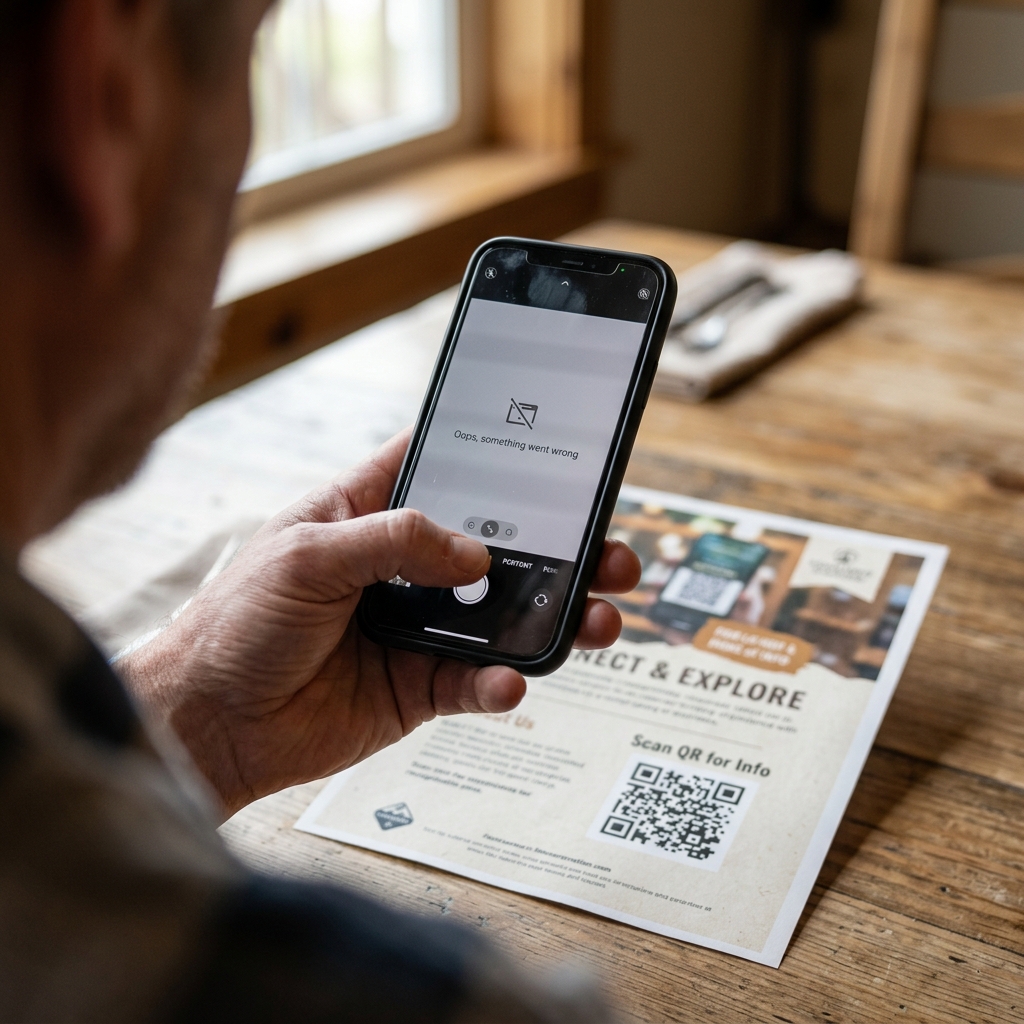
Ink fades in sunlight. Laminate scratches and glares. Labels get scuffed in shipping. A code printed too small, or with the white margin cropped away by a designer short on space, may never have scanned reliably in the first place. Physical damage doesn’t get discussed much in the “do QR codes expire” conversation, but on packaging and outdoor signage it’s a real cause of failure.
Why free dynamic codes stop working: the business model
It isn’t malice. It’s arithmetic.

A dynamic code means the provider must answer every single scan, forever, for free, for a code someone generated in 2019 and forgot about. There’s no revenue attached to that request and no end date on the obligation. Every free dynamic QR code is an open-ended liability on someone else’s balance sheet.
There are only three ways that resolves: the provider starts charging, the provider degrades the free tier, or the provider shuts the codes off.
All three happen routinely. Some recent, documented examples:
Bitly — as of mid-2026, the free plan allows two QR codes per month. Changing where an existing code points requires a paid plan starting around $10/month, billed annually only; monthly billing starts considerably higher. In 2025 Bitly also began serving advertising on free-plan links, meaning someone scanning your free code may see an ad before reaching your page. Read that again if you run a restaurant: an ad, on your menu, shown to your customer. (Bitly’s own free plan breakdown; pricing changes, so verify current terms before relying on any of it.)
Trial-based generators — reviewers on software directories describe generating a dynamic code for an event, printing materials, and finding the code dead roughly two weeks later pending payment. The pattern recurs across vendors because the trial is the funnel.
Google’s URL shortener — the most instructive case, because Google isn’t short of money. goo.gl links were slated for complete shutdown in August 2025. After public pushback Google reversed course and preserved links that were still receiving traffic, deactivating only those that had gone quiet. (Google’s announcement and its update)
Note the criterion carefully: traffic decided which links survived.
Now think about where printed QR codes live. A plaque on a building. A code on the back of a book. An equipment nameplate in a plant room. A business card in a drawer. These generate a handful of scans a year — which is exactly the profile that gets classified as inactive and pruned. The codes with the longest useful lives are the ones with the least traffic to justify their existence.
If the entity best able to absorb the cost still deleted the quiet links, a QR startup with a free tier will too. Not because they’re worse. Because the maths is the same and their margin is thinner.
How to print a code that cannot expire
Encode your own URL. That’s the whole method.
If the squares contain yoursite.com/menu and nothing else, there is no third party in the path. Nobody has an account to cancel, a trial to end, or a server to switch off. The chain of dependency is: your printed code → your domain → your page. You control the only link in it that can break.
This is what a static QR code is, and it’s what any generator that encodes directly produces. It costs nothing to run, because nothing runs.
The trade-off, stated plainly: you can’t change where a static code points after it’s printed. That’s the same property that makes it permanent — the destination is in the squares, so changing it means new squares.
And the workaround that makes the trade-off mostly vanish: point the code at a URL you control, then change what lives at that URL.
Encode yoursite.com/menu. Today it shows the spring menu. In autumn you update the page. Every printed code follows along, because it was never pointing at a menu — it was pointing at your address for menus.
You get editable destinations. You keep permanence. You pay nobody. The only thing you give up is scan analytics, which for most printed materials is a report nobody reads.
A short list of good URLs to encode:
yoursite.com/menu— notyoursite.com/menus/spring-2026/v2/index.htmlyoursite.com/go/card— a redirect page on your own domain, if your CMS makes clean URLs awkwardyoursite.com/manual/model-x— for packaging and equipment, keyed to the product rather than the campaign
Short URLs matter for a second reason: fewer characters means fewer, larger squares, which scan more reliably when small or seen from a distance.
Audit the codes you’ve already printed
If you have codes in circulation and you’re not sure what they contain, check them before your customers do.
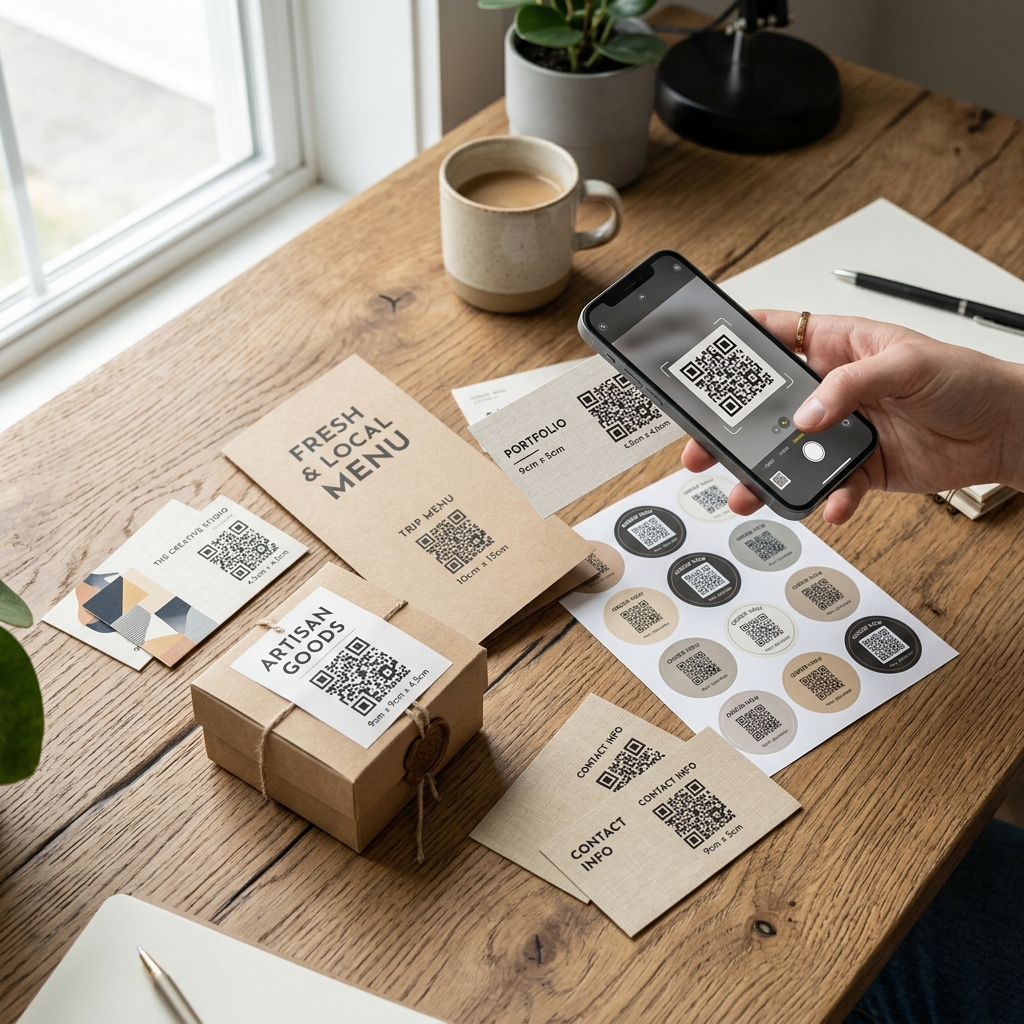
- Scan each one and watch the address bar. If you see your own domain, it’s static and it’s fine. If you see an unfamiliar short domain, it’s routing through someone else.
- Find out who owns that domain. Then find out what plan you’re on and whether it’s still paid.
- Check for an interstitial. If a page flashes up before your site — an ad, a preview, a warning — your customers are seeing it too.
- Look for a warning notice. Providers winding down codes usually show a message on the redirect before switching it off. That’s your window.
- Reprint the ones that matter with static codes. Prioritise anything expensive to reissue: packaging, signage, engraved plates, anything already in customers’ hands.
The audit takes twenty minutes with your phone. Discovering the problem when a customer mentions it takes a reprint.
Frequently asked questions
Do QR codes have an expiration date? No. There’s no date field in the QR standard and no timer in the pattern. Any expiry you encounter was added by a service, not by the code.
Why did my QR code stop working? Most likely the redirect service behind it was disabled — a lapsed trial or plan. Otherwise: the destination page moved or was deleted, or the printed code was damaged or reproduced too small. Scan it and look at where it tries to go; that usually identifies which.
Do QR codes expire if not used? The code doesn’t. But some redirect services do prune links that show no traffic, so an unused dynamic code can be deactivated precisely because it’s unused. Static codes have no such exposure.
Can a QR code be reactivated after it expires? If it was a dynamic code and the provider still exists, paying usually restores the redirect. If the provider is gone, or the code was static and pointed at a dead page, no — you fix it at the destination or you reprint.
Do QR codes work without internet? The code is read offline; scanners reconstruct the text with no connection. Opening a web page needs internet. Codes containing plain text, Wi-Fi credentials, or a contact card work fully offline.
How long does a printed QR code last? As long as the print survives and the destination resolves. Codes printed in the early 2010s still scan today. Plan for the ink and the URL, not the code.
The one-line version
QR codes don’t expire. Subscriptions do. Encode your own URL and there’s nothing left to expire.
Make a permanent QR code free — no account, no expiry, generated in your browser. → EtchedQR
For sizing, design, and every printed use case beyond expiry, see QR codes for print: the complete guide.