Published · 6 min read
Static vs Dynamic QR Codes: Which Do You Actually Need?
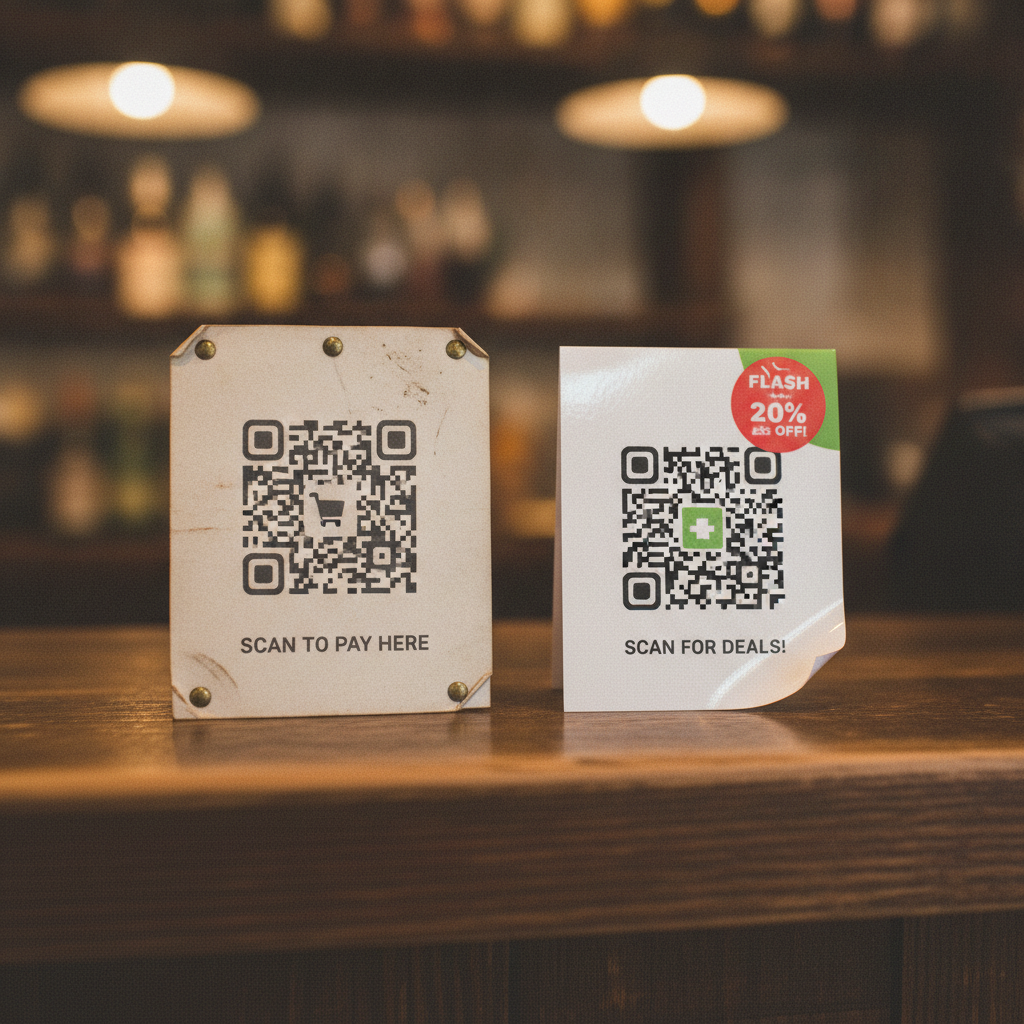
The short version: static QR codes encode your destination URL directly and never expire. Dynamic QR codes encode a short link that redirects through a provider’s server, which lets you edit the destination and see scan counts — for as long as you keep paying for the plan. Almost everyone printing something meant to last should use static. This guide covers when dynamic genuinely earns its cost, and how to get most of its flexibility without the subscription.
What each one actually is
A static QR code stores your exact destination inside the pattern itself. yoursite.com/menu is written directly into the grid of modules. When a phone scans it, the camera reads those modules, reconstructs the text, and opens that exact address — no intermediary, no lookup, no service that has to stay online for the code to work.
A dynamic QR code stores a short link instead — qr.provider.com/a7Bx9 — that redirects through the provider’s server to your real destination. The code you print never changes; what changes is which URL that short link points to on the provider’s side, and whether the provider’s redirect service is still running and paid for.
That’s the entire mechanical difference, and it’s the source of every practical trade-off below.
Feature-by-feature comparison
| Feature | Static | Dynamic |
|---|---|---|
| Editable after printing | No — the destination is fixed in the pattern | Yes — change the destination anytime from the provider’s dashboard |
| Expires | Never | When the plan lapses, trial ends, or provider shuts down |
| Depends on a third-party service | No | Yes — the redirect server has to stay online and paid |
| Scan analytics | None | Yes, typically scan counts, location, and device data |
| Ongoing cost | Free forever | Usually free to start, then $5–$40/month depending on provider and volume |
| Works if you stop paying | Always | No — the redirect breaks and every printed copy stops working |
| Best suited to | Anything printed in volume or meant to last: menus, packaging, business cards, signage, equipment labels | Short campaigns with a genuinely undecided destination, or where scan analytics justify an ongoing cost |
The decision guide
You’re printing menus, packaging, business cards, signage, or anything else meant to last years, not weeks. Use static. The destination is almost always something you already control (your own website), the print run is either one-time or infrequent, and there’s no value in paying indefinitely for a redirect you don’t need.
You genuinely need to change the destination after printing, and you don’t control a URL you could redirect yourself. Dynamic makes sense here — a real estate sign campaign where the featured property changes weekly, for example, and you don’t have your own web infrastructure to point a static code at instead.
You need real scan analytics — count, location, device — and you’re willing to pay for it indefinitely. This is the legitimate case for dynamic. Static codes cannot be tracked in any way, by design: nothing about scanning them touches your servers or anyone else’s.
You’re budget-constrained, or the print run is large enough that “a monthly fee to keep printed material working” is an unacceptable ongoing liability. Static, without much debate. Ten thousand printed boxes shouldn’t depend on a billing relationship staying current for their entire shelf life.
The hidden cost of dynamic codes
The trap isn’t the subscription price — it’s what happens when you stop paying it, or when the provider changes terms. A “free” QR generator that requires an account is very often a dynamic-code generator, and the business model depends on some fraction of users eventually needing the paid tier to keep their already-printed codes working. Bitly’s shift toward paid plans for previously-free tiers, and Google’s shutdown (then partial reversal) of goo.gl, are two well-known examples of exactly this dependency breaking for real users. None of that is a QR code problem — it’s a “the thing behind the code isn’t yours” problem. See do QR codes expire for a full breakdown of what actually stops working and when.
Get dynamic’s flexibility without the subscription
Most of what people actually want from a dynamic code — the ability to change where a scan leads — doesn’t require a redirect service at all. Point a static code at a URL you already control: yoursite.com/menu, yoursite.com/promo. Change what that page shows whenever you like. The QR code itself never has to change, because the pattern only ever pointed at your domain, and what your domain serves is entirely up to you, permanently, with nothing to renew.
This doesn’t replace true scan analytics — if you need to know exactly how many people scanned a specific printed piece, that requires either a dynamic code or your own tracking on the destination page (a UTM parameter, a dedicated landing page). But for the far more common need — “I want to be able to update where this points” — it’s the same flexibility for zero ongoing cost.
Quick reference
- Printing something meant to last, in volume, or on a budget: static.
- Genuinely undecided destination, short campaign, willing to pay ongoing: dynamic.
- Need real scan analytics: dynamic, or a tracked landing page behind a static code.
- Want to edit the destination without paying a subscription: static, pointed at a URL you control.
For the quick version of this comparison plus a live tool, see the static vs dynamic explainer on the EtchedQR homepage — or generate a free static code directly:
Generate a free, permanent QR code — no account, no subscription, no expiry. → Create yours with EtchedQR
If you’re also weighing QR against a tap-based alternative, see QR code vs NFC as a tracking technology. For sizing, design, and use-case-specific advice, see QR codes for print: the complete guide.