Published · 6 min read
QR Codes on Business Cards: The Complete Guide
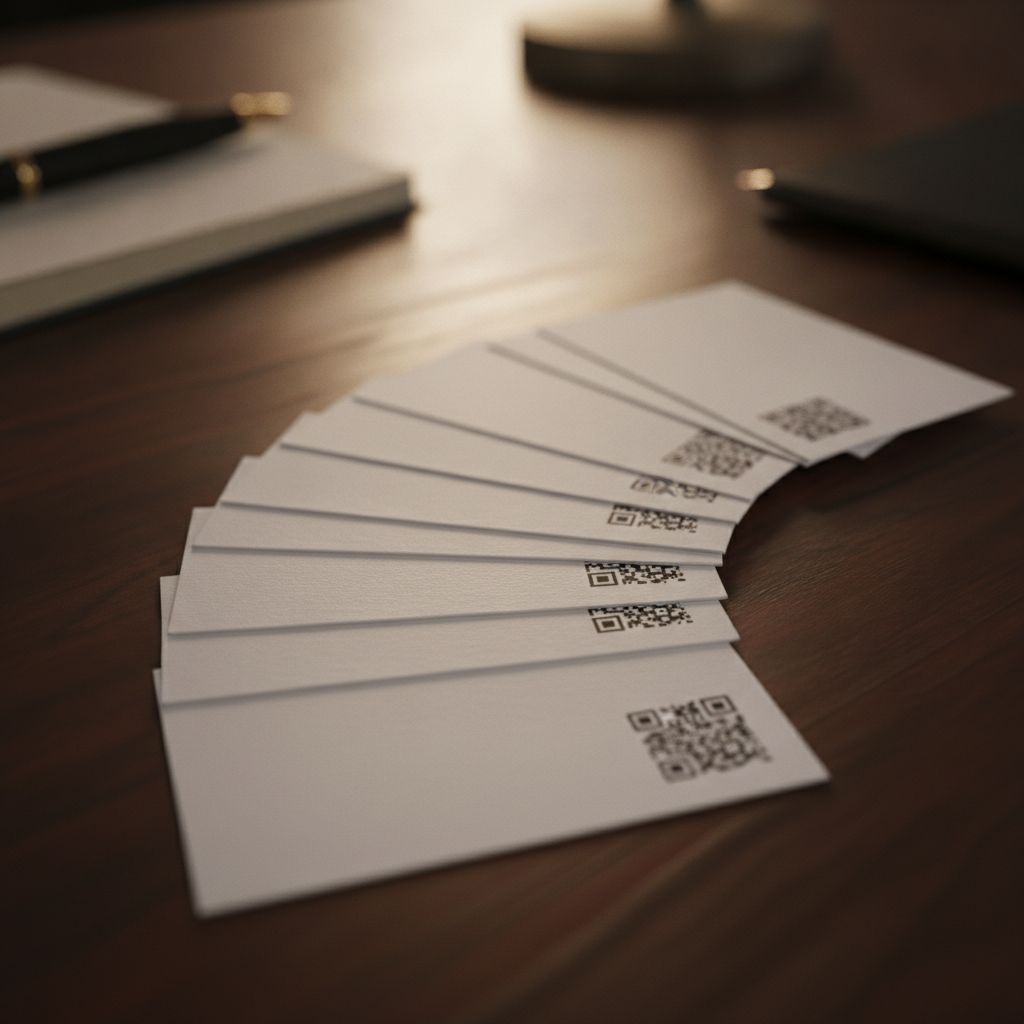
A business card is handed out once and, if it’s any good, kept for years — in a wallet, a drawer, a Rolodex, a pile on someone’s desk. That’s a different design problem than almost anything else you’d print a QR code onto: the card has to work the day it’s handed out and still work whenever someone finally digs it out.
Decide what the code should actually do
Point it at a URL you control. A page like yoursite.com/chen gives you room to grow — link to a portfolio, add new contact methods, redirect to a new company entirely — without ever reprinting the card. This is the right default for most people.
Encode a vCard directly if the entire purpose is instant contact-saving at the moment of a scan — a conference booth handing out hundreds of cards where you want the fastest possible “save to contacts” action, for example. The trade-off: whatever details you encode are frozen at print time. A vCard code can’t be updated later the way a code pointing at a URL can.
Skip a dynamic/subscription QR service for this. The entire appeal of a dynamic code — editing the destination after printing — is something a static code pointed at your own URL already gives you, for free, indefinitely. See static vs dynamic QR codes for the full comparison if you’re unsure.
Size and placement: the tightest format you’ll print
A business card gives a QR code the least physical room of any common format, and the least tolerance for a design that crowds it. The full breakdown — minimum 2 × 2 cm, why URL length matters more here than elsewhere, and where to place the code so a busy layout doesn’t crop its margin — is in QR code size for a business card.
Why durability matters more here than design
Most business-card content online is about layout, paper stock, and printing techniques — genuinely useful, but not the part that determines whether the card still works in three years. Two things do:
The destination has to survive job and company changes. If the code encodes a specific employer’s URL and you change jobs, every card you’ve already handed out points to somewhere you no longer work. Pointing the code at a personal domain you control sidesteps this entirely — you can redirect that page to wherever you end up.
The physical print has to survive being carried. A card that lives in a wallet gets bent, rubs against other cards, and picks up wear a card sitting flat in a drawer never experiences. Favor a slightly larger code (2.5 cm rather than the bare 2 cm minimum) and at least M-level, ideally Q-level, error correction to absorb that wear. See error correction levels explained for what each level actually buys you.
What most comparison content gets wrong
Searching for advice on business card QR codes mostly surfaces card-printing services — competing on templates, paper finishes, and turnaround time. That’s a real and useful thing to compare if you’re choosing a printer. It’s a different question from whether the code itself will still work in five years, which depends entirely on what it’s encoding and how much physical durability margin it was given — decisions made before a single card is printed, regardless of which printer or template produced it.
Quick reference
- Destination: a URL you control, for most people; a vCard only if instant contact-saving at a single event is the entire goal
- Size: 2.5 × 2.5 cm recommended (2 cm bare minimum)
- Error correction: Q if the card will live in a wallet and take regular wear
- Keep the URL short — this format has the least room to absorb a long one
- Skip subscription QR services — a URL you control gives you the same editability for free
Generate a free, permanent QR code sized correctly for a business card — no account, no expiry. → Create yours with EtchedQR
For the guide to QR codes on product packaging, see QR codes on product packaging. For static vs dynamic, sizing, and every other use case, see QR codes for print: the complete guide.