Published · 5 min read
QR Code Error Correction Levels Explained (L, M, Q, H)
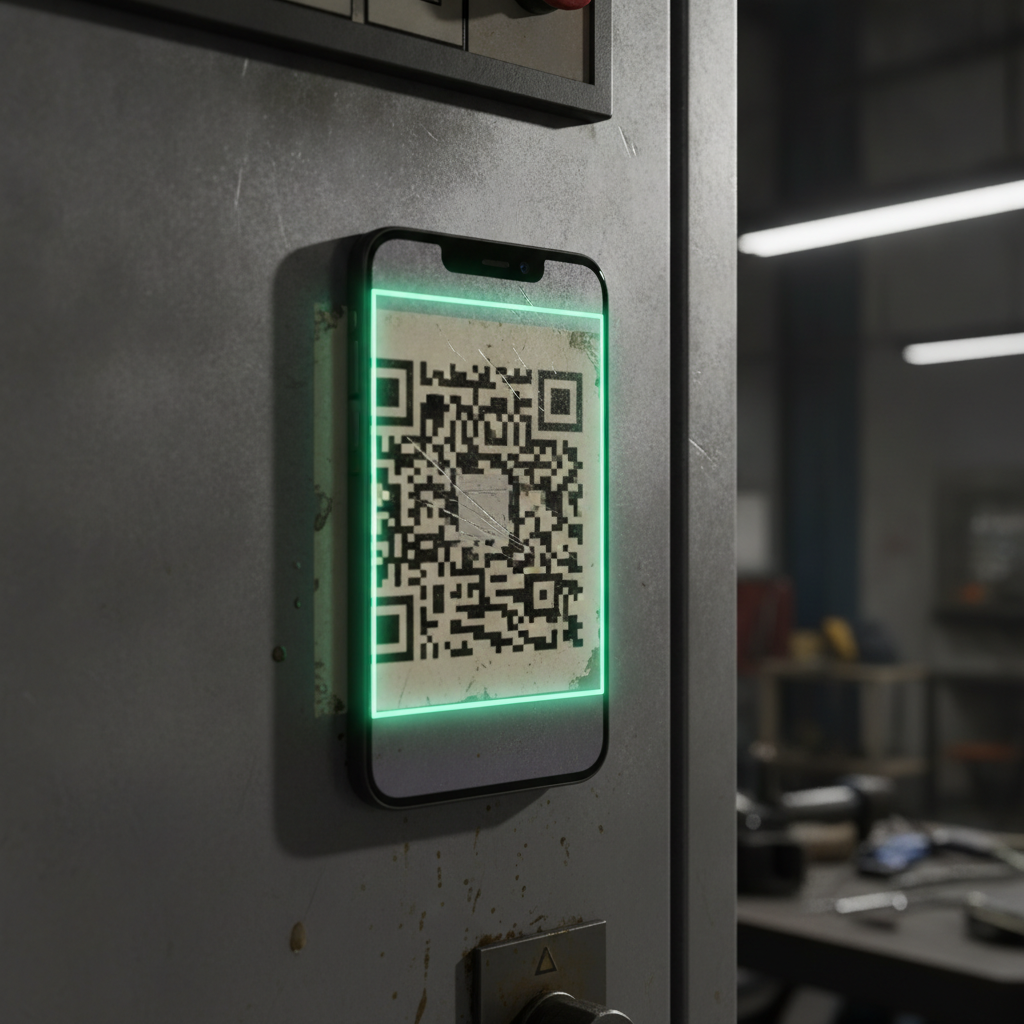
Error correction is the reason a QR code can survive a scratch, a coffee stain, or a torn corner and still scan perfectly. It’s also one of the few settings where picking wrong has real, visible consequences on a print run — either a code that fails the moment it takes any damage, or a code that’s needlessly large for how it will actually be used.
What error correction actually does
A QR code doesn’t just store your data once — it stores it with extra, redundant information calculated from the original, using a method called Reed–Solomon error correction. If part of the printed pattern becomes unreadable, the scanner can use that redundancy to reconstruct what was lost, the same general idea as how a hard drive or a CD can recover from some physical damage without losing the file.
The QR standard defines four levels, each trading storage capacity for damage tolerance:
| Level | Recoverable damage | Use for |
|---|---|---|
| L | ~7% | Screens and controlled digital use, where the “print” never gets physically damaged |
| M | ~15% | Clean indoor print — menus, cards, brochures |
| Q | ~25% | Packaging, labels, laminated items — anything that gets handled |
| H | ~30% | Outdoor signage, industrial labels, or any code with a logo overlay |
EtchedQR’s generator offers M, Q, and H — the three levels that matter for anything printed and handled in the real world. L is left out deliberately: it’s really only appropriate for a code that lives entirely on a screen and never faces the kind of physical wear print does, which isn’t the situation this tool is built for.
The trade-off: more protection costs you modules
Redundant data has to live somewhere in the grid, and that somewhere is capacity that would otherwise hold your actual content. Push error correction from M to H on the same destination URL, and the code can jump to a higher version — more modules across the same physical width, each one correspondingly smaller.
That matters because smaller modules are exactly what makes a code harder to scan in the first place — see the general size guide for how module size drives real-world reliability. In practice this means: don’t default to H “just to be safe” on a code with plenty of physical size to spare, and do shorten your destination URL if you need H-level protection on a small format like a business card.
Choosing a level for what you’re actually printing
M (clean indoor print): menus, business cards, brochures, anything displayed indoors and handled gently. This is the sensible default when nothing about the environment argues for more.
Q (handled or laminated items): packaging, product labels, laminated table cards — anything that gets picked up, wiped down, or passed around regularly enough that some wear is inevitable over its life.
H (outdoor, industrial, or with a logo): signage exposed to weather, asset tags on equipment that gets scratched and dirty, or any code with a logo overlaid on it. A logo covers real data-bearing modules — H gives the scanner enough redundancy to reconstruct what the logo is covering, provided the overlay stays within a reasonable size. For the full detail on styling a code without breaking it — pattern shapes, corner styles, and exactly how much room a logo needs — see custom QR code design.
Error correction doesn’t fix everything
It’s worth being precise about what error correction protects against and what it doesn’t. It recovers from physical damage distributed across the code — scratches, dirt, small tears, print defects. It does much less for damage concentrated in one place, particularly if it wipes out one of the three corner finder patterns the scanner uses to locate the grid in the first place; a fold running straight through a corner can defeat even H-level correction in a way that the same area of scattered scratching elsewhere wouldn’t. It also doesn’t compensate for poor contrast — see color contrast requirements for the failure mode that error correction can’t fix. If a code isn’t scanning at all rather than tolerating damage, the fuller diagnostic list is in why is my QR code not working.
Quick reference
- L: screens only — EtchedQR doesn’t offer this since it’s built for print
- M: default for clean indoor print
- Q: anything handled — packaging, labels, laminated cards
- H: outdoor, industrial, or carrying a logo
- Trade-off: higher levels can push the code to more modules at a fixed size — shorten the URL if space is tight
Generate a free, permanent QR code with the right error correction for where it’s going to live — M, Q, or H, no account, no expiry. → Create yours with EtchedQR
For static vs dynamic, sizing, and every use case, see QR codes for print: the complete guide.