Published · 5 min read
QR Code vs Barcode: What’s Actually Different?
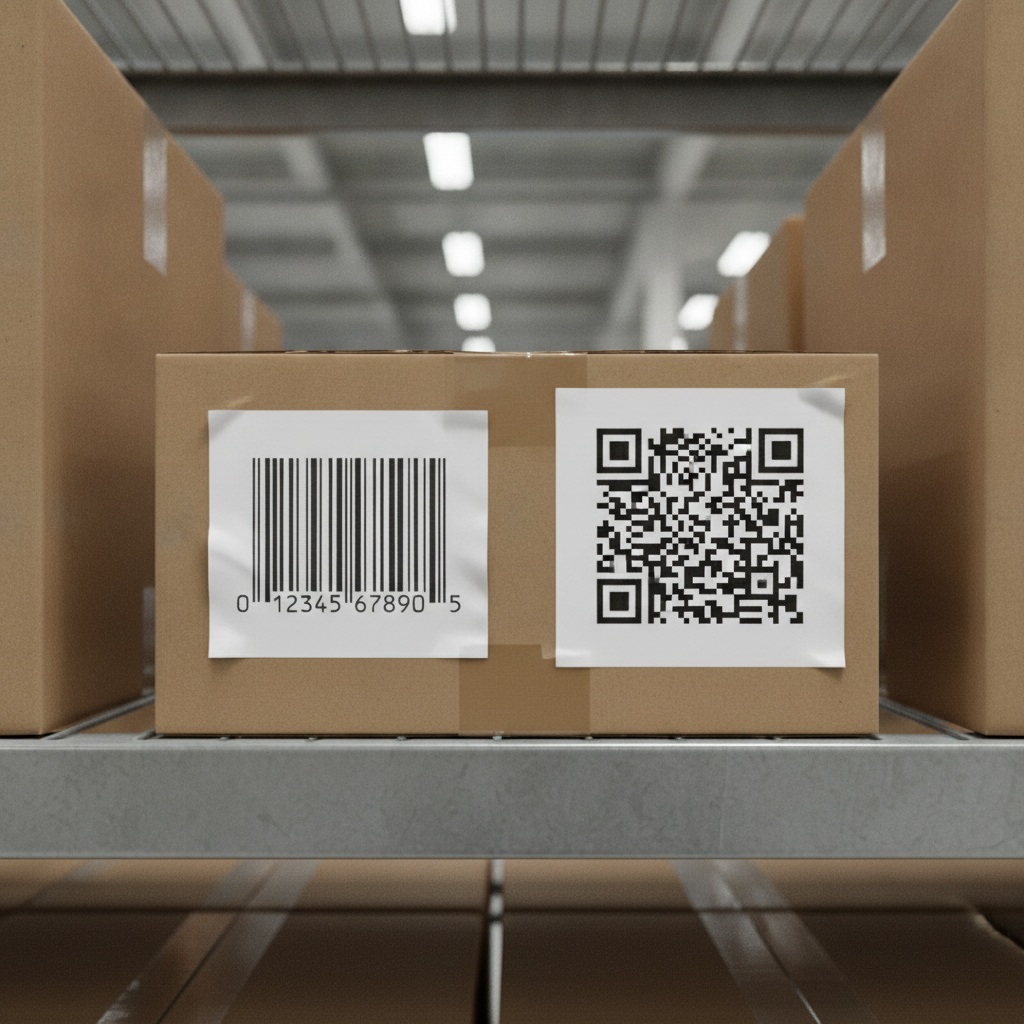
QR codes and barcodes solve overlapping but genuinely different problems, and confusing the two leads to picking the wrong one for a given job — usually trying to cram a URL into a barcode’s limited data capacity, or deploying a QR code somewhere an existing barcode-based system already works perfectly well.
The core difference: what’s actually stored
A traditional barcode (1D) stores a short string of numbers or characters — usually a product ID — in a linear pattern of parallel lines. The scanner reads that string and looks it up in a database to find out what it actually means. The barcode itself doesn’t carry any real information beyond that lookup key.
A QR code (2D) stores data directly in a two-dimensional grid, and can hold far more of it — anywhere from a short numeric ID up to a full URL, a few hundred characters of text, or structured contact information. A scanner reading a QR code that encodes a URL doesn’t need a database lookup at all; the destination is written into the pattern itself.
This is the same static-vs-lookup distinction covered in static vs dynamic QR codes, one level up: a barcode is inherently a lookup-based system, the way a dynamic QR code is, while a static QR code carries its destination directly, the way barcodes fundamentally cannot.
Practical differences that actually matter
| Barcode (1D) | QR code (2D) | |
|---|---|---|
| Data capacity | A short ID, typically | Up to a few hundred characters — full URLs, contact info |
| Requires a database lookup | Usually, yes | No, if it encodes the destination directly |
| Scannable by | Dedicated scanners, some phone apps | Any modern smartphone camera |
| Damage tolerance | Limited, no built-in redundancy | Built-in error correction (see below) |
| Common use | Retail point-of-sale, inventory systems | Customer-facing links, direct-to-URL use cases |
Error correction is a meaningful QR advantage. QR codes carry redundant data specifically so a partially damaged code still scans — see error correction levels explained for how that works. Standard 1D barcodes have far less built-in tolerance for damage or print defects, which is part of why they’re typically used in controlled environments (a checkout scanner, a warehouse conveyor) rather than printed once and left exposed to wear the way a QR code on packaging or an asset tag often is.
Scanning hardware is the other real divide. A barcode is usually read by a dedicated laser or camera-based scanner built for that specific format, tied into a point-of-sale or inventory system. A QR code needs nothing but a smartphone camera — which is exactly why QR codes dominate anywhere the intended scanner is a customer’s own phone rather than dedicated retail hardware.
When each one is actually the right choice
Choose a barcode when you’re integrating with an existing retail or inventory system already built around 1D barcode standards (UPC, EAN) — replacing that infrastructure to use QR codes instead is rarely worth the disruption, since the barcode’s job (a lookup key into a database you already control) is exactly what it’s designed for.
Choose a QR code for anything customer-facing where the scanning device is the customer’s own phone, not dedicated hardware — menus, packaging information, asset tags checked by maintenance staff with their phones, or any use case where you want the code to carry a real destination rather than just an ID. This covers the large majority of the use cases on this site — see QR code asset tags for equipment for a specific example where QR’s phone-native scanning and damage tolerance both matter more than a traditional barcode would offer.
Some products genuinely use both — a barcode for point-of-sale scanning, and a QR code elsewhere on the packaging pointed at customer-facing content. They’re not mutually exclusive; they’re solving different problems on the same object.
Quick reference
- Barcode: short ID, needs a database lookup, built for dedicated scanning hardware and existing retail/inventory systems
- QR code: can carry the destination directly, scans with any smartphone camera, has built-in damage tolerance
- Use a barcode when integrating with existing 1D-based retail/inventory infrastructure
- Use a QR code for anything customer-facing scanned by a phone rather than dedicated hardware
Generate a free, permanent QR code — any smartphone camera, no dedicated scanner needed, no account, no expiry. → Create yours with EtchedQR
For QR codes vs NFC tags, see QR code vs NFC tag. For static vs dynamic, sizing, and every use case, see QR codes for print: the complete guide.