Published · 6 min read
How to Make a QR Code Menu for Your Restaurant
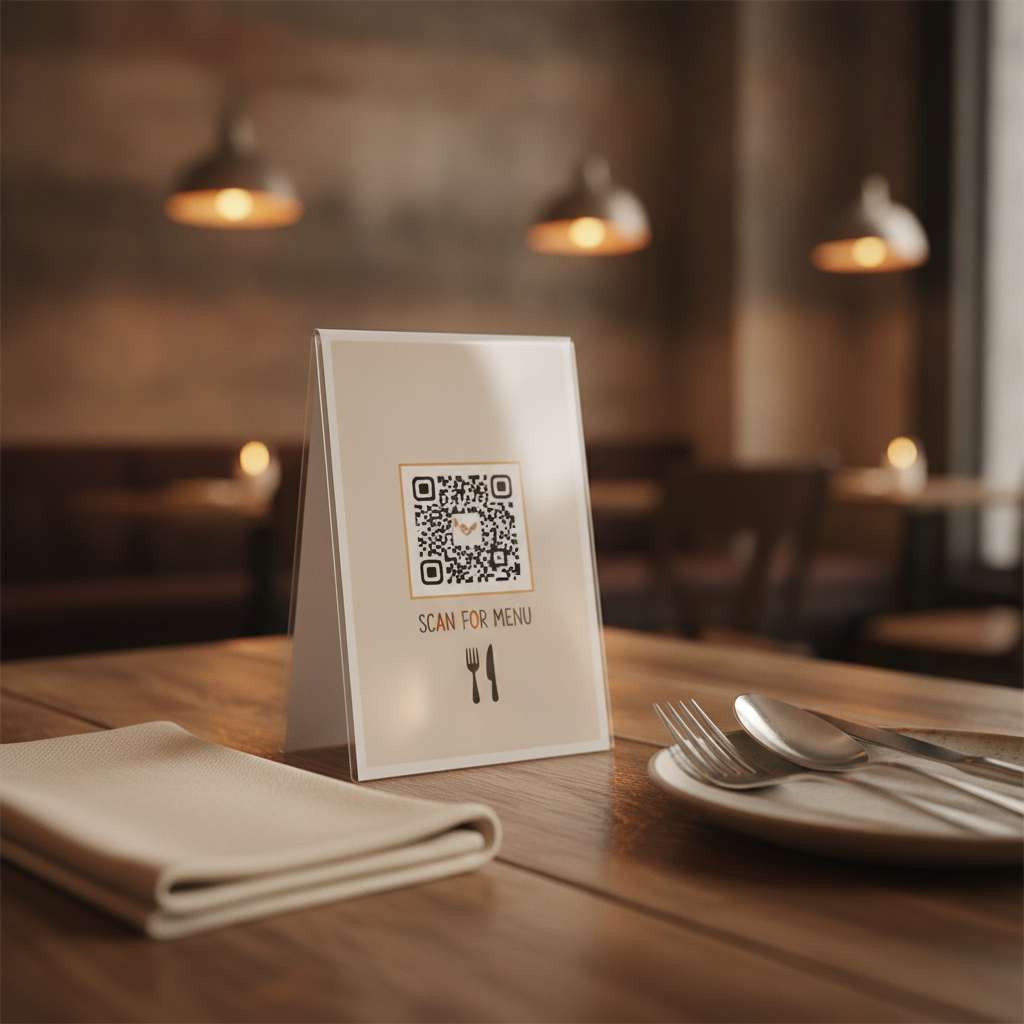
A restaurant menu QR code has a specific job: get someone from sitting down at a table to looking at your menu in a few seconds, reliably, across dozens of tables and thousands of scans over its lifetime. That’s a more demanding job than it looks — table tents get picked up, wiped down, and read under everything from bright patio sun to dim evening lighting.
Static, pointed at a page you control
The single most consequential decision is what the code actually points to. Two options:
A static code encoding your own webpage’s URL (yourrestaurant.com/menu) — you can edit that page’s content anytime, and the printed code never has to change or expire.
A dynamic code from a subscription menu platform — often bundled with QR-generation, analytics, and templated menu design, for a recurring fee. If you stop paying, the code stops resolving, and every printed table tent in the building breaks at once.
For most restaurants, a static code pointed at a page you already control gives the same practical benefit — updating the menu without reprinting — without the ongoing cost or the risk of a lapsed subscription taking down every table’s menu simultaneously. See static vs dynamic QR codes for the full decision guide if your situation is more complex — multiple locations needing centralized updates, for instance, can justify a managed platform.
Sizing for a table tent
A table tent is read from arm’s length, typically 30–40 cm away, by someone who’s already seated and not in a hurry. That’s a relatively forgiving distance:
- Minimum: 3 × 3 cm
- Recommended: 3.5–4 × 4 cm, especially if the card sits slightly further back on a larger table
Full sizing methodology is in the general size guide. The specific risk for table tents isn’t usually raw size — it’s contrast and wear, covered next.
Design for a surface that gets touched constantly
Laminate the card, but test the laminated version, not the pre-laminate proof. Lamination adds a glossy or matte layer that can introduce glare under overhead lighting or slightly soften contrast — always test-scan the final, laminated card before printing the full run.
Use at least Q-level error correction. A code that’s wiped down between every seating, gets grease or condensation on it, and is handled by both staff and customers needs more damage tolerance than a code that just sits framed on a wall. See error correction levels explained for what Q actually buys you over the default M.
Keep contrast high regardless of your card’s branding. A menu card often carries a restaurant’s color palette — if that palette pushes the code itself toward a low-contrast pairing (a muted color on a similarly-toned background), the code becomes the least reliable element on a card whose entire purpose is being scanned. See color contrast requirements for safe combinations that still look intentional rather than like a generic black square.
Print the destination as visible text underneath the code. If a scan fails — bad lighting, an old phone, low battery meaning someone doesn’t want to fumble with a scanner — a short, readable URL is the fallback that gets someone to the menu anyway.
Placement on the table
Position the code where it’s reachable without someone leaning across the table — directly in front of where a guest sits, not angled toward the center of a shared table. If the table tent is double-sided, make sure the lamination and print quality are equally solid on both faces; a table tent gets picked up and turned around constantly, and a code that only scans well from one specific angle will frustrate more guests than it should.
Quick reference
- Destination: a webpage you control, not a subscription platform, for most restaurants
- Size: 3.5–4 cm for a table tent read at arm’s length
- Error correction: Q, given constant handling and wiping down
- Contrast: keep it high even within your brand palette
- Always: print the URL as visible backup text
Generate a free, permanent QR code for your menu — no account, no monthly fee, no expiry. → Create yours with EtchedQR
For the guide to QR codes on business cards, see QR codes on business cards. For static vs dynamic, sizing, and every other use case, see QR codes for print: the complete guide.